Scan. Upload. Share.
TwinPoint is a cloud viewer for your SHARE3DCAM scans. Upload point clouds, 3DGS splats, and 360 photos; view them in the browser and share them with a link.
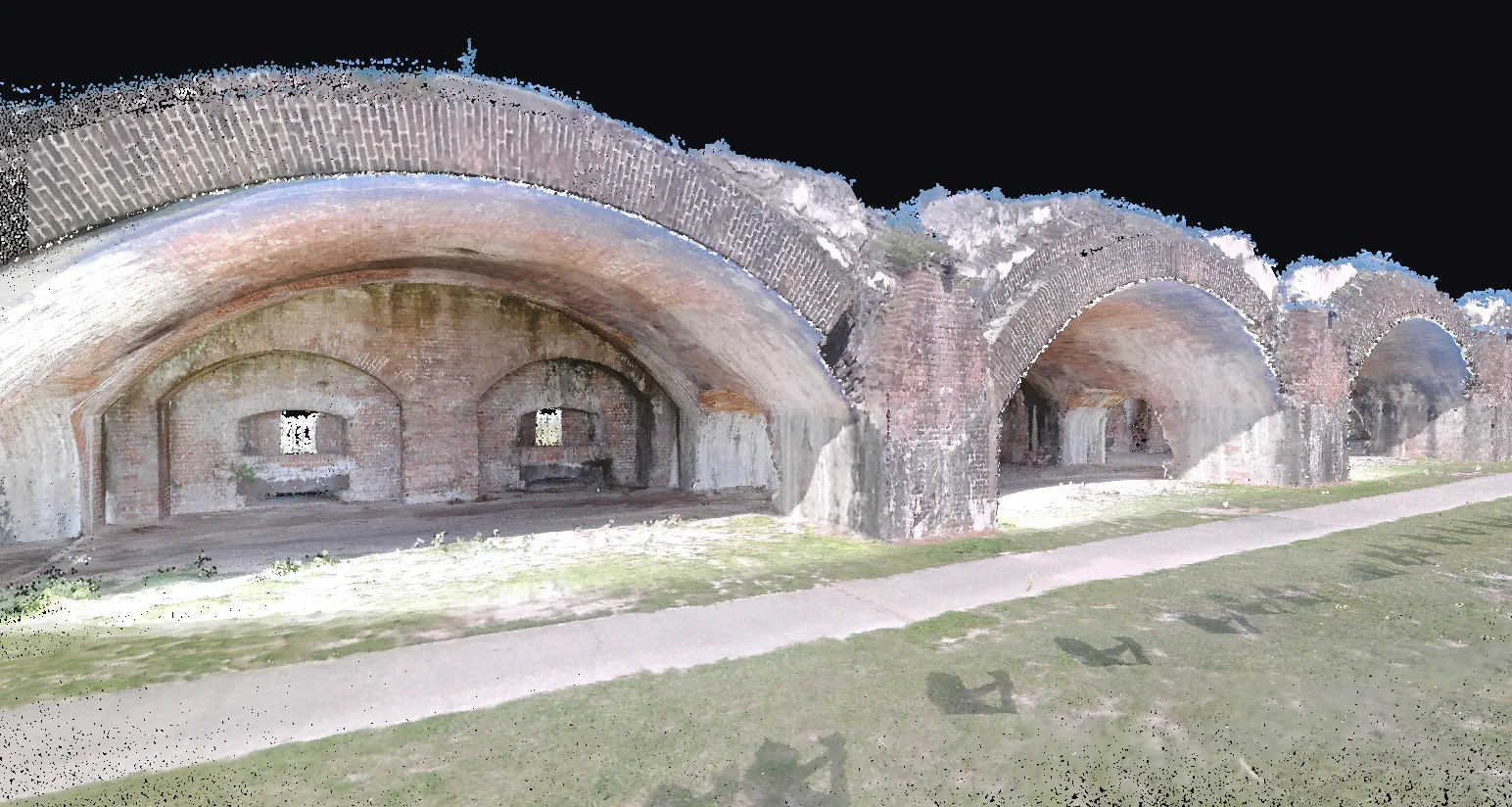
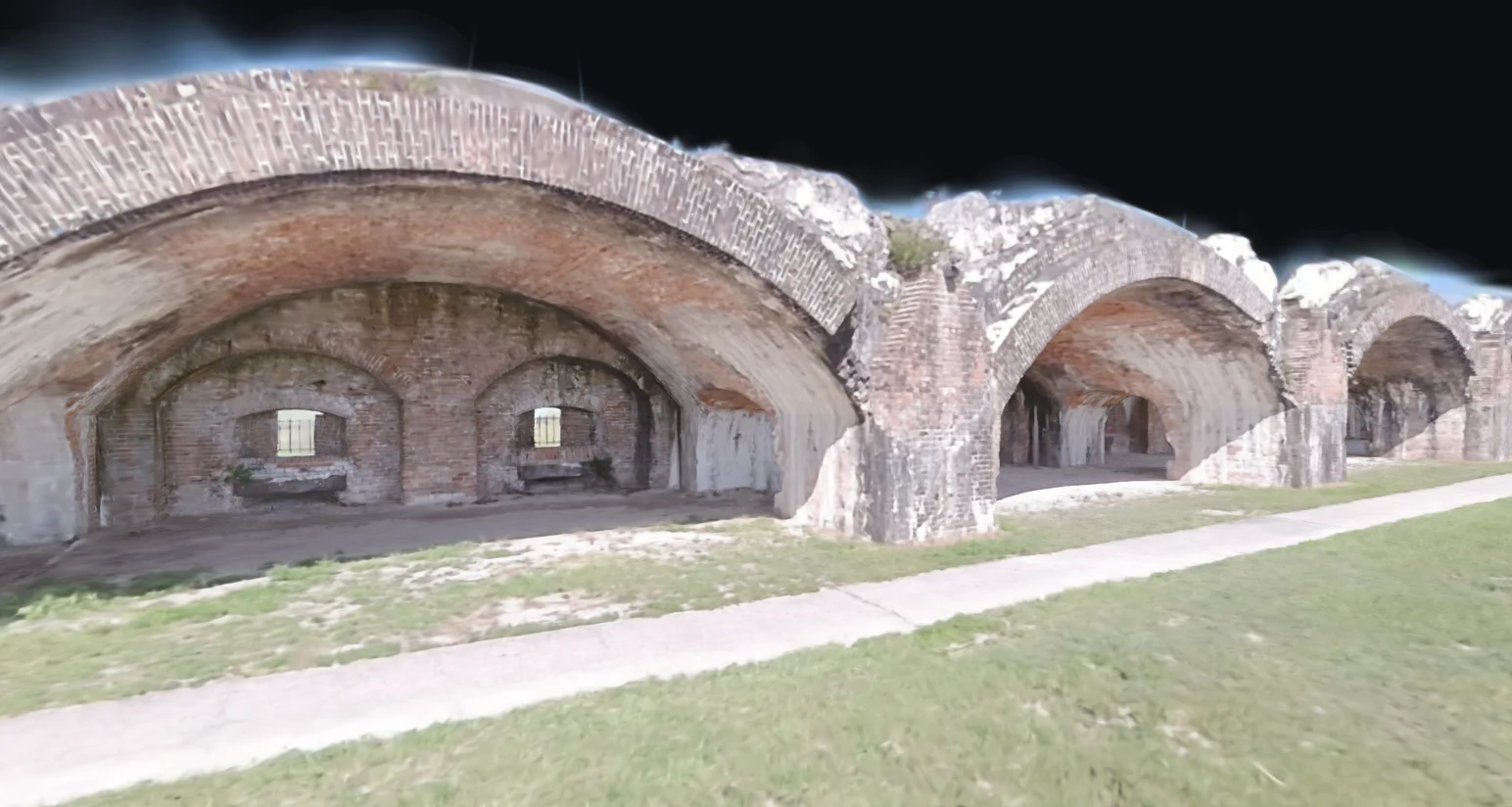
Uploaded datasets are aligned and synced together — drag the line to compare.
Three steps, no new software.
Scan
Capture the site with your SHARE3DCAM scanner and process it in Point Cloud Studio, exactly like you do today.
Upload
Drop your exports into TwinPoint — point cloud, 3DGS splat, 360 photos, any or all of them. Everything lives in one project in the cloud, and 360 photos are aligned into a tour synced to the scan.
Share
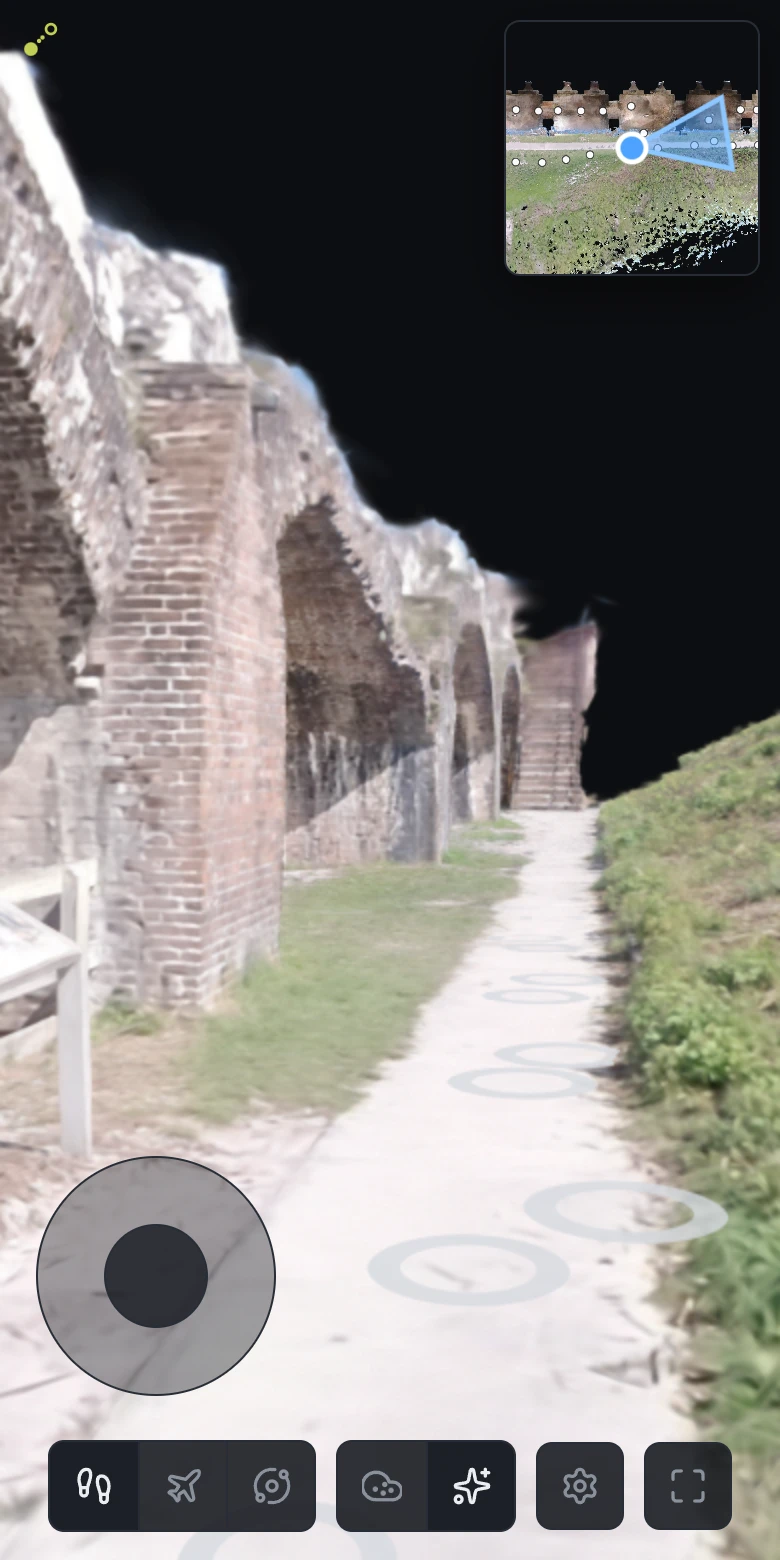
Send a link. It opens in the browser — the full viewer on desktop, a lite viewer on a phone. No install, no accounts for viewers.
The viewer runs in your browser.
Measure, cut sections, walk the site, step into the 360 tour. Nothing to install.
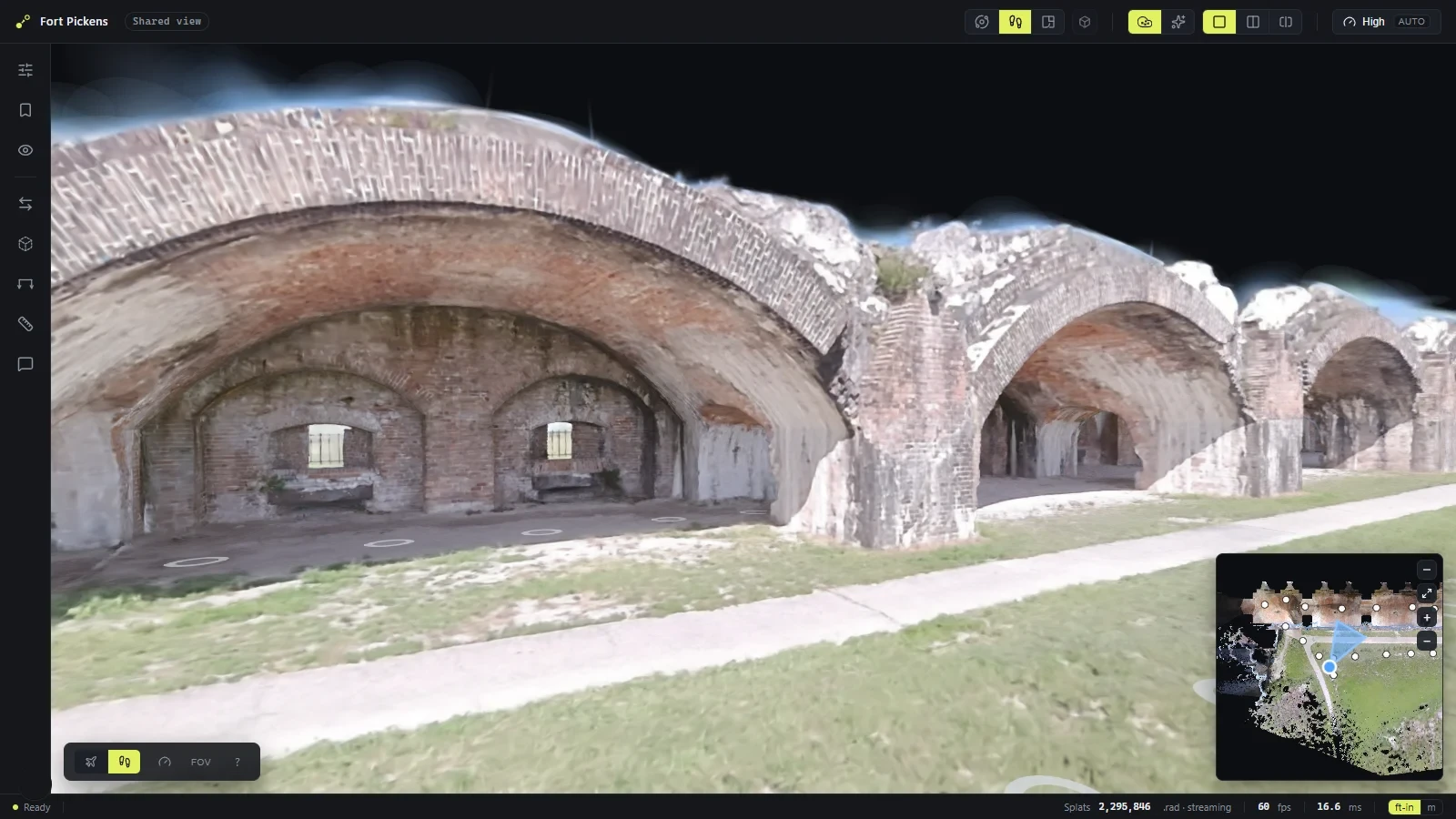
Measure the scan
Distance, area, angle, and radius — in the point cloud or the 3DGS view.
360° tour, auto-aligned
Upload 360 photos; they become a tour synced to the scan.
Walk the site
First-person walkthrough with a you-are-here minimap.
Plans and elevations
Plan views, section cuts, and elevations you can save and send.
Crop the scan
Crop to the part you need and hide stray points.
Share as a link
No account or install for viewers; links expire when you choose.
Send a link, not a file.
A share link opens in the browser — the full viewer on desktop, a lite viewer on a phone. No install, no account. You control when links expire and whether downloads are allowed.
Priced by storage, not by seats.
Basic
$9 per month
- 50 GB storage
- Unlimited projects
- Full viewer and share links
- Extra storage +$5/mo per 50 GB
Pro
$29 per month
- 250 GB storage
- Unlimited projects
- 360 photo tours
- 8 cloud credits / mo
- Full viewer and share links
- Extra storage +$5/mo per 50 GB
Studio
$79 per month
- 1 TB storage
- Unlimited projects
- 360 photo tours
- 24 cloud credits / mo
- Full viewer and share links
- Extra storage +$5/mo per 50 GB
Credits pay for cloud processing — anything you run on your own device is free. TwinPoint is in beta: every account runs on Pro, free, until launch.